Release Notes 2026-10-02
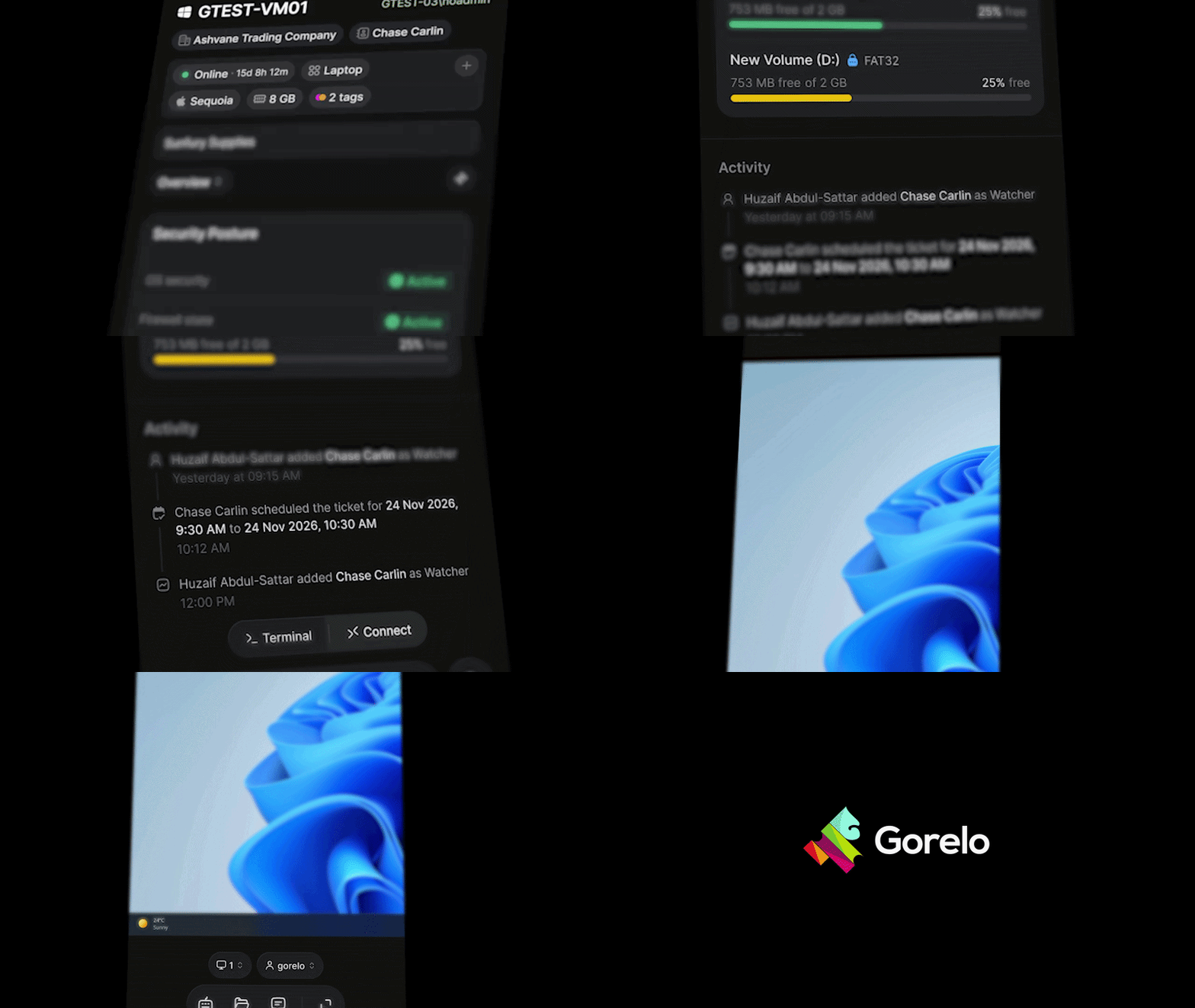
📱 Gorelo Connect — Now on mobile
Full remote control of any Windows or Mac device, straight from the Gorelo app on iOS and Android. Tap Connect on any asset and you're in. You don't need a laptop, VPN or separate remote-control tool, and the end user doesn't have to install anything. Your phone works as a trackpad and keyboard, and you can switch between monitors, share the clipboard, and even work in a hidden background session.
This is an app store release followed by an OTA update so keep an eye out over the weekend :)
✨ API - API keys can now be limited to Read, Write or Delete for each module. Existing keys keep full access.
✨ API - Projects are now available through the API: projects, sections, tasks, comments, approvals and side conversations. Requires the new Projects scope.
✨ API - Forms are now available through the API: list forms, read their responses and issue submission links. Requires the new Forms scope.
✨ API - GET /v1/invoices/{invoiceId} - read full invoice detail, including line items. A bundle returns as one line with its parts.
✨ API - POST /v1/invoices - bundle lines are now stored as bundles, matching the app.
✨ API - GET /v1/alerts - list alerts, filterable by status, type, client, device and date.
✨ API - GET /v1/clients - StatusIds=2 now returns inactive clients, and inactive clients can be read by id.
✨ API - GET /v1/assets/agents/{deviceId} - devices with no device type are now returned instead of a 404.
✨ API - Archived items can now be deleted, and negative unit prices are accepted for credit lines.
✨ Assets - New Agent Logs dialog to view, filter and download agent debug logs. Navigate to the 3-dot menu > Agent logs
✨ General - New billing naming conventions in preparation for the new UI and to match the API: Contract Group is now Contract, Contract is now Service line, Contract Type is now Labor terms, Per Hour is now Hourly, Automatically Covered is now Coverage, Not Billable is now No charge, and Not Billable (Hidden) is now Non-billable. Functionality remains the same
✨ Invoices - $0 lines show "Included" or "No charge" on client invoices instead of $0.00, and sync to Xero and QuickBooks Online as $0 lines rather than 100% discounts
✨ Portal - The Client Portal now has Messenger parity: closed tickets, the approval chip, conversation tabs, comment acknowledgement and more
✨ Tickets - @me is now supported in Private Comment actions, including inside Wait blocks, to mention whoever ran the Shortcut
🐛 Shortcuts - Fixed an issue where reopening a Wait block's Private Comment offered no mentions
🐛 Notifications - Fixed an issue where project leads and watchers were told "You were assigned a task" whenever a task was created. They now get "A new task was created", and only the assignee gets the assigned notification
🐛 Dashboard - Fixed an issue where map marker clustering and the Status/Type tabs in map info windows didn't work
🐛 Invoices - Fixed an issue where editing an approved invoice to change a $0 line to a non-zero price threw a validation error
🐛 Approve & Invoice - Fixed an issue where time entries from earlier months were shown under "This Month" when Show unclosed tickets was on