Release Notes 2026-11-27
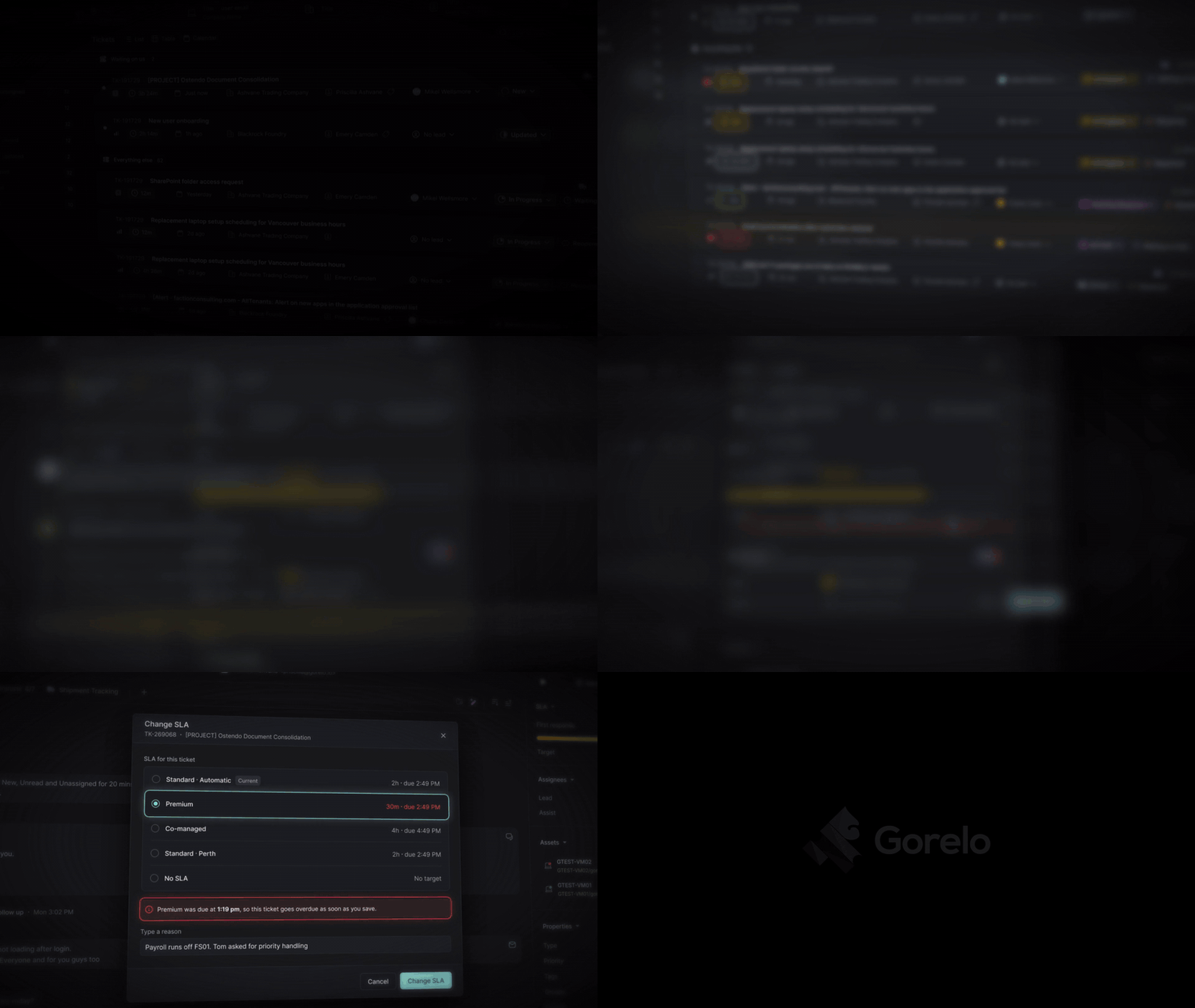
⏱️ SLAs — Every ticket on the clock
First-response SLAs are now available on every Gorelo plan, on web and mobile. Set response targets by priority, apply them to clients automatically by client types/tags or manually, and see at a glance which tickets are due next, met or breached. Clocks only run during your business hours, and stop as soon as someone on your team reaches the client. The new 'SLA performance' report shows how you're tracking over time. This is the first step for SLAs in Gorelo — resolution targets are coming next.
✨ Assets - BitLocker recovery key access is now logged in the device timeline
✨ Assets - Gorelo Connect video now works on Windows Server Core
✨ Assets - Gorelo Connect now clears the remote clipboard when the technician leaves a session
✨ Assets - Script history is now available for offline devices
✨ Clients - Create and manage client tags
✨ Contracts - Limited Hours labor terms now always use included hours in time-entry order, and reallocate freed hours when time is edited, voided or deleted
✨ General - Clear column filters with the new X icon
✨ General - New expanded navigation menu
✨ General - Updated delete confirmation dialogs
✨ General - Faster loading and navigation for larger tenants (100,000+ tickets)
✨ Invoices - Contact placeholders are now shown, and invoice preview is now available
✨ Products - Product and bundle names must now be unique (to support QBO limitations)
✨ Settings - New UTC−7 time zone (British Columbia)
📱 Mobile - See a device's Windows services and start, stop or restart them
📱 Mobile - Watch a device's running processes live, and kill or start one
📱 Mobile - See a device's installed and managed apps, and install, update or uninstall them
📱 Mobile - See a device's Windows updates and install them
📱 Mobile - Pick several photos at once when attaching, and see an icon for each file type
📣 Heads up: Gorelo Connect v1 will be retired on December 31. Connect v2 is built and maintained entirely by Gorelo, so we can secure and improve every part of it ourselves instead of maintaining two remote access tools. If you haven't already, please switch to Gorelo Connect v2 now and give us feedback via the '?' button > 'Contact Us'. On macOS, v2 needs Screen Recording, Accessibility and Full Disk Access to be allowed again, even on devices where v1 was already approved. Turn on 'Request permissions on install' in your policy to have end users asked as soon as v2 is installed, or leave it off and they'll be asked the first time a technician connects.
🐛 Alerts - Fixed an issue where bulk selecting alerts redirected to new ticket creation
🐛 Assets - Fixed an issue where technicians could not join a Gorelo Connect session while devices were reconnecting
🐛 Assets - Fixed an issue where rotated screens showed black in Gorelo Connect and only one extra monitor window could open
🐛 Assets - Fixed an issue where some virtual machines stayed on "Waiting for the device's video" in Gorelo Connect
🐛 Assets - Fixed an issue where signing out of some Windows devices during a Gorelo Connect session could cause a crash
🐛 General - Fixed an issue where signing in could occasionally fail with "Bad Request - Request Too Long"
🐛 Messenger - Fixed an issue where the tray icon could be missing after launch
🐛 Mobile - Fixed an issue where only the first shipment tracking number was displayed on a ticket
🐛 Mobile - Fixed an issue where the app could crash when adding shipment tracking to a ticket
🐛 Portal - Fixed an issue where the favicon was not validated or saved correctly in Portal settings
🐛 Tickets - Fixed an issue where loading closed tickets could crash the app