Release Notes 2026-10-30
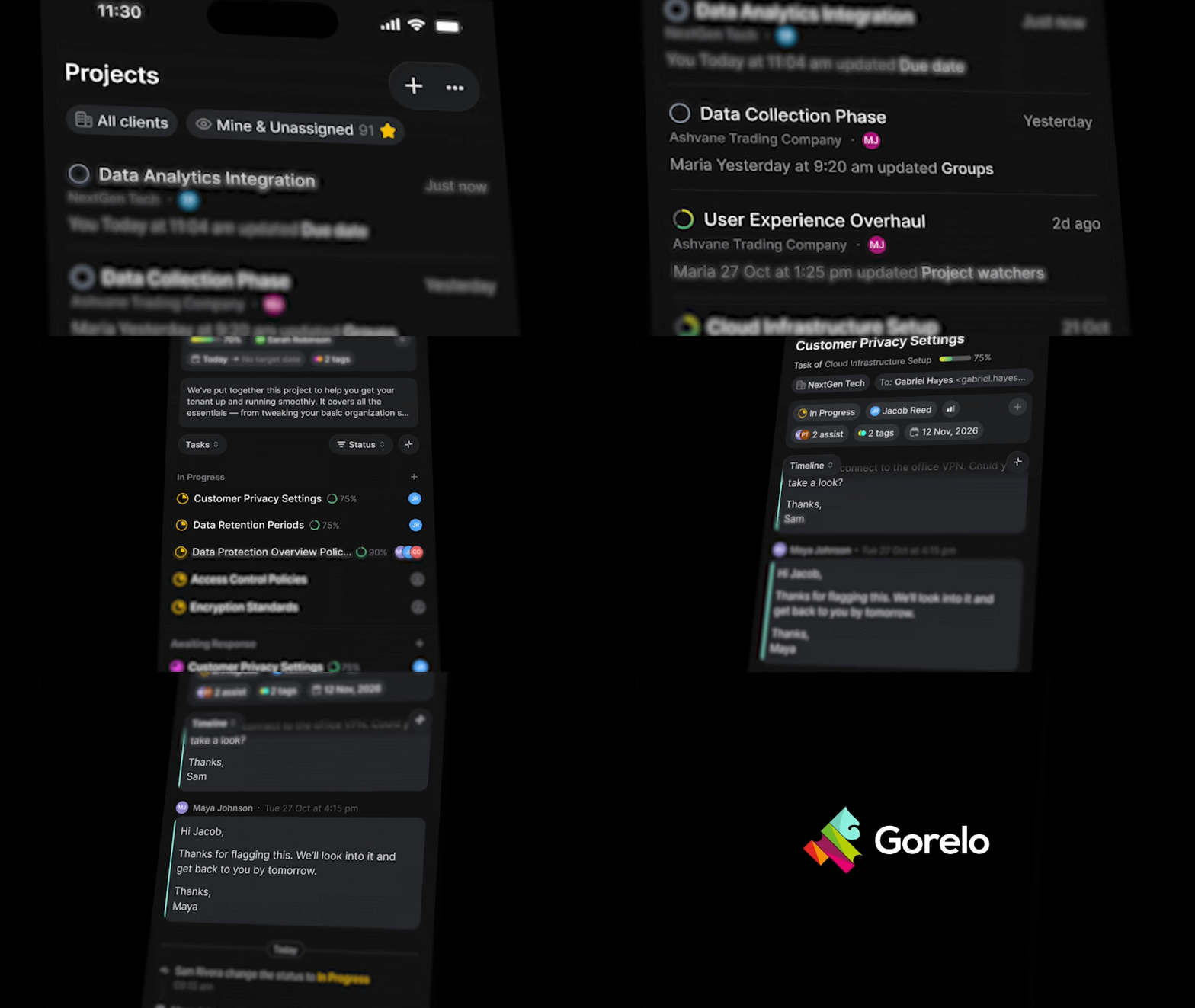
📱 Projects & Tasks for Gorelo Mobile — Run a project end to end from your phone
Projects are now in Gorelo Mobile. Browse, search and filter your projects with the same saved views as the web app, or start a new one. Open a project to update its details, work through its tasks by status or section, and keep everyone in the loop with comments, replies and @mentions. Tasks come with checklists, approvals, conversations, time entries and timers, and project and task notifications now open straight into the project or task.
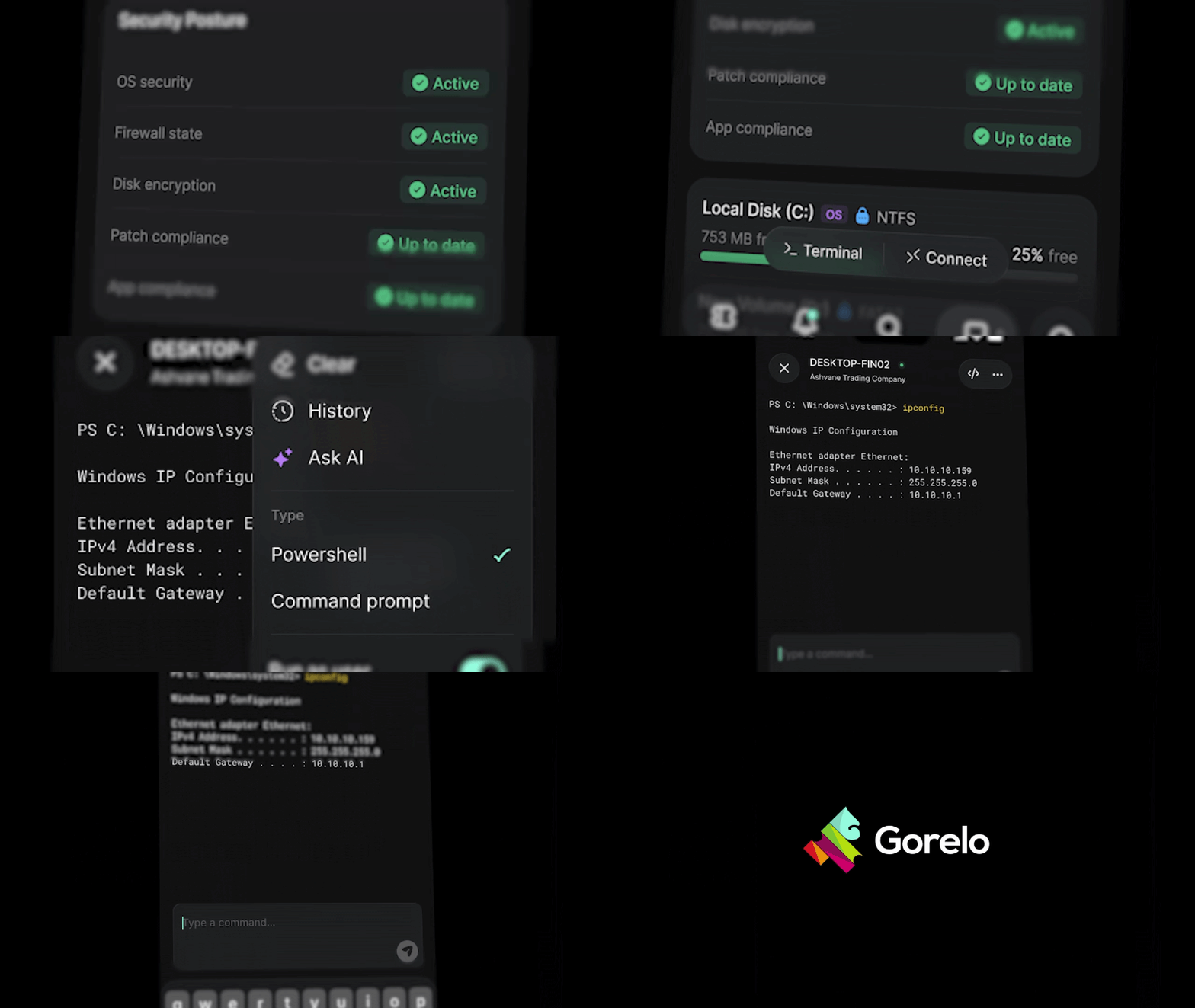
✨ Assets - Gorelo Connect sessions can now switch to the AV1 video codec for a clearer picture at the same bitrate (Windows and macOS; the session stays on H.264 if the device or a viewer can’t use AV1). AV1 can also be set as the default codec on the plugin itself.
✨ Assets - In full screen, Gorelo Connect now sends shortcuts like the Windows key, Win+R and Alt+Tab to the remote device instead of your own computer (Chrome and Edge only; hold Esc for 2 seconds to exit full screen)
✨ Assets - New Send keys bar in Gorelo Connect, turned on from the ⋯ menu, with sticky Ctrl, Alt, Shift and Win keys, plus Esc, Tab, Del, PrtScn, F1–F12 and a shortcut picker. It works in any browser and in Gorelo Mobile
✨ Clients - Client custom fields now hold up to 2,500 characters (up from 2,000), including through the API
✨ Huntress - Huntress status is now shown for every asset on both the list and detail page.
✨ Huntress - With auto-mapping turned on, new clients are now matched to the Huntress organization with the same name, or one is created in Huntress straight away rather than after the first agent install. Renaming a client also renames its Huntress organization (existing mappings aren’t changed)
✨ Huntress - Huntress alerts now clear themselves. When a health check finds Huntress running on a device, its open Huntress alerts are dismissed automatically, and configuration alerts clear once the configuration is fixed
✨ Integrations - New integration logs show when a Huntress or Slide action fails, from Huntress organization syncs to Slide backups, pairing, connections, device actions and configuration pushes. Open them from Logs on the integration
✨ Messenger - Contacts can now be automatically created if the domain belongs to one of your clients
✨ Settings - Users in Gorelo can now go by a nickname with client communication such as email and the Messenger
✨ Tasks - Task approvals now work like ticket approvals. Add a name and approvers, then write the request in the regular comment editor, Shortcuts included. Approvers are emailed once the request is posted
✨ API - New GET /v1/alerts/{alertId}, and alert status can now be changed with PATCH /v1/alerts/{alertId} or in bulk with PATCH /v1/alerts (StatusId 1 New, 2 Dismissed or 3 Ticketed, which needs a TicketId)
✨ API - New PATCH /v1/assets/agents/{agentAssetId} to update an agent’s Description, HardwareTypeId, primary contact (ContactId) and warranty dates
✨ API - Asset types can now be created, renamed and deleted with POST /v1/assets/types and PATCH/DELETE /v1/assets/types/{assetTypeId} (built-in types can’t be deleted)
✨ API - New GET /v1/assets/policies (filter by os: Windows, MacOS or Linux) and GET /v1/assets/policies/{policyId}, plus GET /v1/assets/tags and GET /v1/assets/tags/{tagId} for the tags a policy targets
✨ API - Client locations and web domains can now be managed through the API, with GET, POST, PATCH and DELETE under /v1/clients/{clientId}/locations and POST, PATCH and DELETE under /v1/clients/{clientId}/domains
✨ API - New GET /v1/clients/types and GET /v1/clients/custom-fields. Clients now return ClientTypeId and accept it on POST and PATCH
✨ API - New GET /v1/contacts/tags and a locationIds filter on GET /v1/contacts. Contacts now return TagIds and accept them on POST and PATCH
✨ API - New query, createdSince, createdBefore, updatedSince, updatedBefore, endDateSince and endDateBefore filters on GET /v1/contracts
✨ API - New read-only structured document endpoints: GET /v1/documents/structured and GET /v1/documents/structured/{structuredDocumentId}, with its submissions under /submissions
✨ API - New PATCH /v1/invoices/{invoiceId} to update an invoice’s dates, Reference, templates and LineItems, or approve it with StatusId 5. Works on Draft, Submitted and Approved invoices, including part-paid ones
✨ API - New GET /v1/organization/users/{userId}, GET /v1/organization/roles and GET /v1/organization/groups/{groupId}, plus query, groupIds and updatedSince filters on GET /v1/organization/users
✨ API - New GET /v1/payments and GET /v1/payments/{paymentId}, including how much of each payment went to each invoice
✨ API - New /v1/product-charges endpoints to list, add, update and remove the products charged to tickets and project tasks (send either TicketId or TaskId)
✨ API - Private comments on projects and tasks can now be edited with PATCH /v1/projects/{projectId}/comments/{commentId} and PATCH /v1/projects/{projectId}/tasks/{taskId}/comments/{commentId}, and GET /v1/projects/templates lists your project templates
✨ API - New GET /v1/tickets/priorities and GET /v1/tickets/sources, closedSince, closedBefore and sourceIds filters on GET /v1/tickets, and SourceId can now be changed with PATCH /v1/tickets/{ticketId}
✨ API - Ticket approvals can now be renamed with PATCH /v1/tickets/{ticketId}/approvals/{approvalId}
✨ API - POST /v1/time-entries now takes an optional CreatedOn for importing past time. Imported entries are saved as Completed so they’re never invoiced, still count in reports, are accepted on closed tickets, don’t move the ticket’s last update, and can’t be changed through the API afterwards
⚠️ API - GET /v1/contracts/{contractId} renames three fields: InvoiceDue is now DaysUntilDue, a line item’s Cost is now UnitCost, and UnlimitedHoursDetails.AutoApprove moves to the service line as AutoApproveTime. The old names are no longer returned
⚠️ API - A contract line item’s UnitPrice now returns the price actually charged, not the catalog price the line started from (catalog prices are on GET /v1/items)
⚠️ API - POST /v1/invoices now bills No charge and Non-billable lines at 0, as the app does. Send BillableStatusId 1 for lines that should be charged
⚠️ API - Invoice and contract lines sent without a TaxId now take the tax the app would apply, instead of no tax. To bill no tax, send your tax-exempt rate’s id
⚠️ API - DELETE /v1/contracts/{contractId} now works like deleting in the app. It deactivates only the contract, so Recover restores it with its service lines and locations, and it returns 409 while the contract has Block Hours time or time that isn’t invoiced yet (archive it with PATCH and StatusId 3 instead)
🐛 Calendar - Fixed an issue where a calendar entry assigned to several technicians failed to save if one of them had M365 Sync turned on without a valid mailbox
🐛 Calendar - Fixed an issue where calendar entries created before M365 Sync was turned on weren’t pushed to Outlook. Turning it on now syncs that technician’s ticket and task entries from the last 90 days onward
🐛 General - Fixed an issue where four-digit times like 0900 typed into a time entry could be read as PM. They’re now read as 24-hour time, so 0830 is 8:30 AM and 1730 is 5:30 PM
🐛 Invoices - Fixed an issue where the invoice template preview showed Payment Advice and Pay Now while they were turned off, and changing the accent color turned them back on
🐛 Portal - Fixed an issue where clients saw “Invoice list not found” in the client portal and couldn’t download invoices
🐛 Tasks - Fixed an issue where ticking a checklist item scrolled the task to the bottom
🐛 Tasks - Fixed an issue where @mentions and links stopped working on a task after ticking checklist items or opening the Time, Product, Checklist or Shipment Tracking tabs
🐛 API - Fixed an issue where a technician signed in through OAuth could update, comment on, approve or delete tickets outside their groups, or delete clients, contacts, contracts and invoices they can’t see. These now return 404 (API keys aren’t affected)
🐛 API - Fixed an issue where ticket comments, clients, contacts, locations and web domains changed through the API didn’t show in the app until it was reloaded. They now update straight away, including in search
🐛 API - Fixed an issue where deleting a contract through the API left the client on credit hold, and deleting a contract invoice left its prorated items to be billed again
🐛 API - Fixed an issue where Non-billable lines on invoices created with POST /v1/invoices showed on the client’s PDF
🐛 API - Fixed an issue where sortBy and sortOrder returned 400 on GET /v1/contracts and GET /v1/items
🐛 API - Fixed an issue where an empty request body on ticket POST endpoints returned 500 instead of 400
🐛 API - Fixed an issue where ticket and device timelines could show the wrong actor or time, or miss an entry, for changes made through the API (deletes by a signed-in technician, server-time dates, and tickets created from API alerts)